
Free online Excel translator
The intelligent Excel translation tool based on AI accurately translates spreadsheet content and perfectly retains the original format, formulas and multi-sheet structure. No registration required, use immediately.
Translate Excel Files Online
Drag & drop your document here to translate it for free
Supports PDF, DOCX, XLSX, PPTX, TXT and EPUB — layout preserved, up to 500 free pages a month once you register.
Core advantages
Why choose our Excel translator?
A translation engine specially designed for Excel documents to solve the pain points of incorrect formatting and lost formulas.
Keep original format
Cell styles, fonts, colors and borders are perfectly preserved after translation, without the need for rearrangement.
keep formula
Intelligently recognize formulas and only translate text content to ensure that calculation logic is not affected.
Support multiple worksheets
Translate complex Excel files containing multiple sheets in one go, keeping the structure intact.
Large file support
Powerful processing engine, easily handles large Excel files containing large amounts of data.
Redefining the Excel translation experience
Intelligent recognition of formulas
Use advanced analysis technology to accurately lock the formula area. Only the text content is translated, and function logic such as SUM and VLOOKUP is strictly retained to ensure zero error in calculation results.
Lossless conversion of charts
Comprehensively analyze the Excel chart structure, automatically replace chart titles and legend languages, while keeping the original chart style and color scheme unchanged.
Full workbook translation
Say goodbye to copy-pasting from page to page. It supports processing complex workbooks containing multiple Sheets at one time, and the reference relationships between Sheets can also be perfectly inherited.
Synchronization of comments and notes
No detail is left out. Hidden comments and note information in cells will also be translated simultaneously, making cross-language collaboration smoother and more seamless.
Perfect replica of style
Whether it is font color, background fill, or conditional formatting and border lines, they will be presented as they are after translation, without the need for secondary adjustments.
Big data engine driven
Optimized for large financial statements. Easily handles data processing at the level of 10,000 rows, with strong performance and stability without crashing.
Why choose professional tools?
- Avoid the tedious manual copy and paste process.
- Prevent key data from being lost due to formatting errors.
- Improve the data processing efficiency of cross-border business.
Just 3 steps to translate easily
Upload your files
Click in the upload area or directly drag and drop the Excel file. Supports .xlsx format, with a maximum size of 50MB.
Select translation language
Just set the original text and the target language you need. We support translation into more than 100 languages.
Start translation and wait for checking
Click the translate button and the AI intelligent engine will handle it automatically. Keep the format intact and download it as soon as the translation is complete.
Completely free experience, retain perfect format
We support free translation of Excel documents without breaking cell formats and formulas.
FAQ
Related articles
DeepL PDF Translator vs BelinDoc: Which One Should You Use in 2026?
DeepL is the go-to name in machine translation, but is it the best choice for translating PDFs? We compare pricing, layout preservation, language coverage, and bilingual reading between DeepL and BelinDoc.
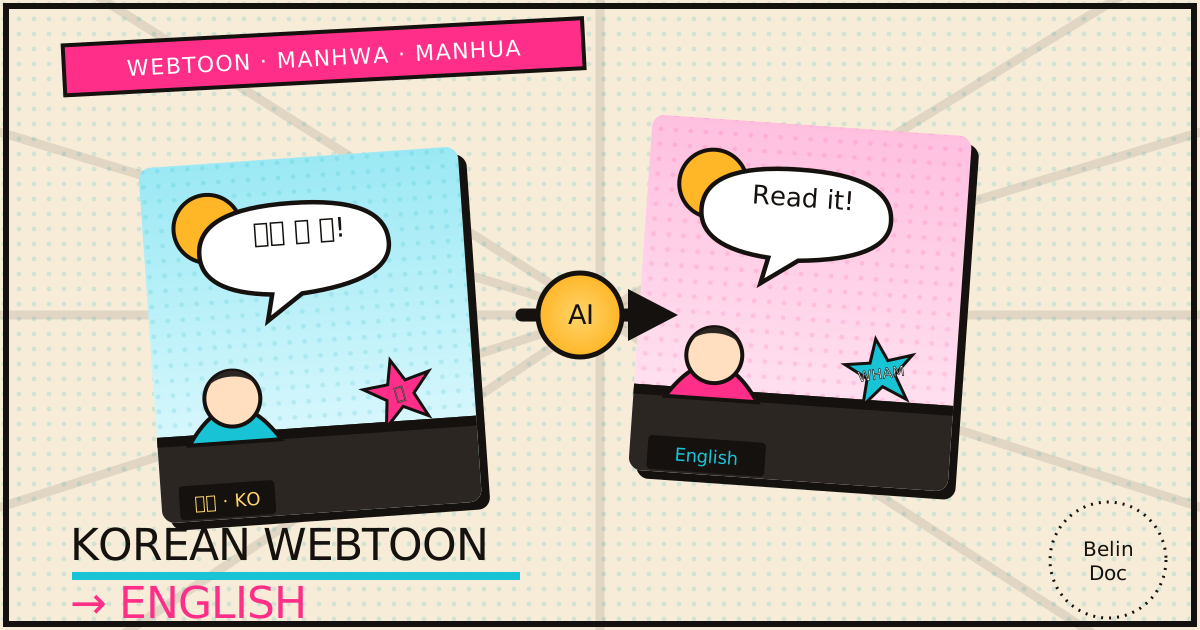
How to Translate a Korean Webtoon (Manhwa & Manhua) to English in 2026
Translate webtoons, manhwa, and manhua to English the right way. Learn how AI reads speech bubbles and on-panel SFX with OCR while keeping the vertical-scroll layout and full color intact — free, no signup.

How to Translate a Recording: Subtitles or AI Dubbing?
A step-by-step guide to translating a recording: when subtitles are enough, when AI dubbing helps, and which names, numbers and timings to check first.