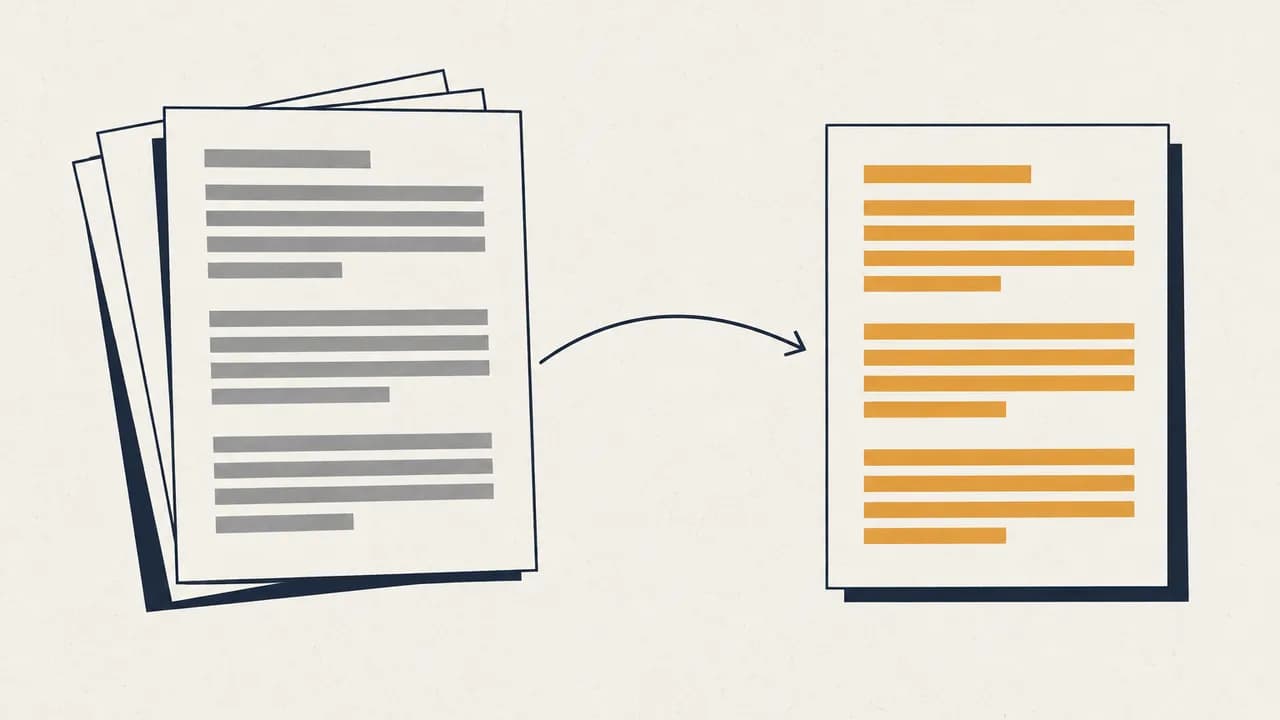
Quick answer: To translate an image to English for free, upload the photo or screenshot to an image translator, choose English as the target language, and download the translated image. In Belin Doc, OCR reads the text, AI translates it, and the translation goes back where the original text was, so the image keeps its layout. If you only need to read a sign or menu right now, your phone's camera translator is faster.
What the result looks like
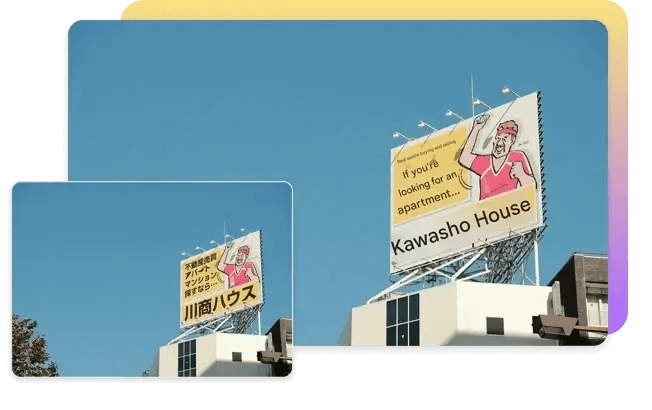
A Japanese billboard photo translated into English. The English text replaces the Japanese on the sign, and the rest of the photo is unchanged:
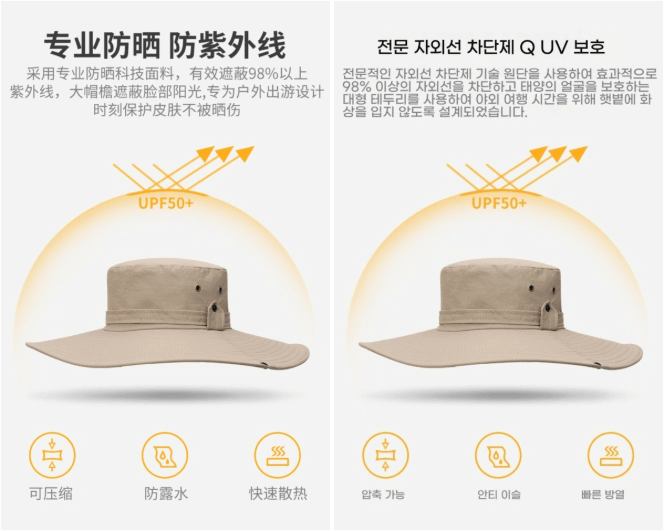
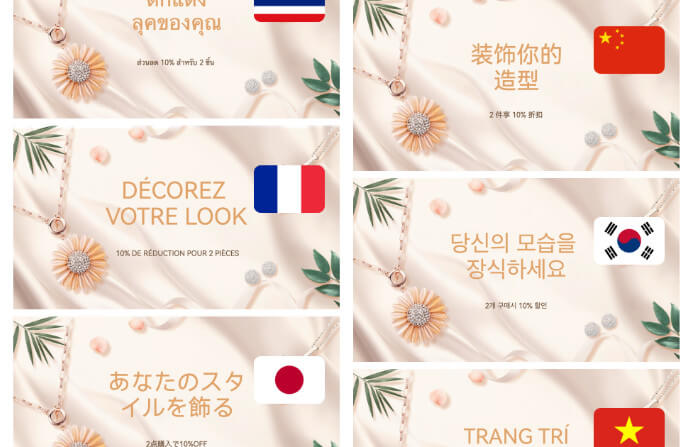
The same works for product images. Here a Chinese product detail image is translated into Korean, with the headline, body text and icon labels replaced in place:
Which way to translate an image?
The right method depends on what you want to end up with.
| What you need | Best method | What you get |
|---|---|---|
| Read a sign, menu or label right now | A phone camera translator (Google Lens or the Google Translate app's camera) | Translated text over the live camera view or a photo |
| A translated copy of a poster, screenshot, infographic or product image | An image translator such as Belin Doc's free image translator | A downloadable image with the text replaced in place |
| Editable text from the image | OCR the image, then paste the text into a text translator | Plain translated text you can edit and copy |
| A scanned multi-page document | The PDF translator with OCR | A translated document with the page layout kept |
| Manga, manhwa or webtoon pages | The AI manga translator | Pages re-lettered inside the speech bubbles |
How to translate an image to English with Belin Doc
Step 1: Get a clear image
Use the original screenshot when you can, or take the photo straight on, in even light, with the text in focus. Crop out what you don't need translated.
Step 2: Upload it
Open Belin Doc and upload the image. JPG, JPEG, PNG and other common image formats work, and you can upload several images at once. You can start without an account.
Step 3: Choose English and translate
Set the target language to English, or any of the 100+ other target languages, and start the translation. OCR reads the text in the image, then AI translates it in context.
Step 4: Download the translated image
Download the translated image once it's done. Check names, numbers and small print against the original before you share or print it.
Tips for a cleaner result
- Use the highest resolution you have. Small or compressed text is the most common cause of OCR mistakes.
- Avoid glare and shadows. Reflections on glossy menus, screens and packaging hide letters.
- Shoot straight on. Steep angles distort the text.
- Translate one topic per image. A crowded collage of unrelated text gives the translation less context to work with.
- Check numbers yourself. Prices, dates, phone numbers and measurements matter most, so compare them with the original.
❓ FAQ
Can I translate an image to English for free?
Yes. Belin Doc lets you translate up to 20 pages without an account, or 500 pages a month after you register, and each image counts as 1 page.
What image formats are supported?
JPG, JPEG, PNG and other common image formats. For a scanned PDF, use the PDF translator instead; our guide to translating scanned PDFs covers OCR tips for documents.
Does the translated image keep the original layout?
The translation is placed back where the original text was, so the rest of the image stays as it was. You download the result as an image.
Which languages can I translate an image into?
English and 100+ other target languages.
Can I translate several images at once?
Yes. Upload multiple images in one go, and each image counts as 1 page of your quota.
How do I translate a screenshot?
Upload the screenshot file directly. Screenshots usually give clean OCR results because the text is sharp and straight.
Is my image stored?
Belin Doc's privacy policy says uploaded files are deleted from our servers within 24 hours of processing and aren't used to train AI models.
Disclosure: this guide is published by Belin Doc.