In international trade, academic research, cross-border e-commerce, and global business operations, we deal with foreign-language documents every day— English PDF reports, overseas contracts, product manuals, technical documents, and presentation slides.
If you still rely on copy → paste → sentence-by-sentence translation, the process is not only inefficient but also highly likely to break the original document structure.
This is exactly why AI document translation tools like BelinDoc exist.
In this article, we’ll walk you through real-world use cases and explain:
- 👉 How to use AI to translate documents
- 👉 Which file formats work best with AI document translation
- 👉 What problems BelinDoc solves that traditional translation tools cannot
Why Traditional Translation Tools Are Not Ideal for Document Translation
Many users start by translating documents with browser translators or generic online tools—but quickly run into limitations:
- ❌ Broken formatting (headings, tables, pagination lost)
- ❌ Strict length limits (large documents not supported)
- ❌ Fragmented context (sentence-level translation without coherence)
- ❌ Inconsistent terminology (the same term translated differently)
BelinDoc is built specifically for full-document translation, not short text snippets.
What Document Formats Does BelinDoc Support?
BelinDoc is designed for real-world professional and business scenarios and supports:
- AI PDF translation (text-based PDFs)
- Word / DOCX document translation
- PPT / PPTX presentation translation
- Excel spreadsheet translation
- TXT / Markdown and other plain-text formats
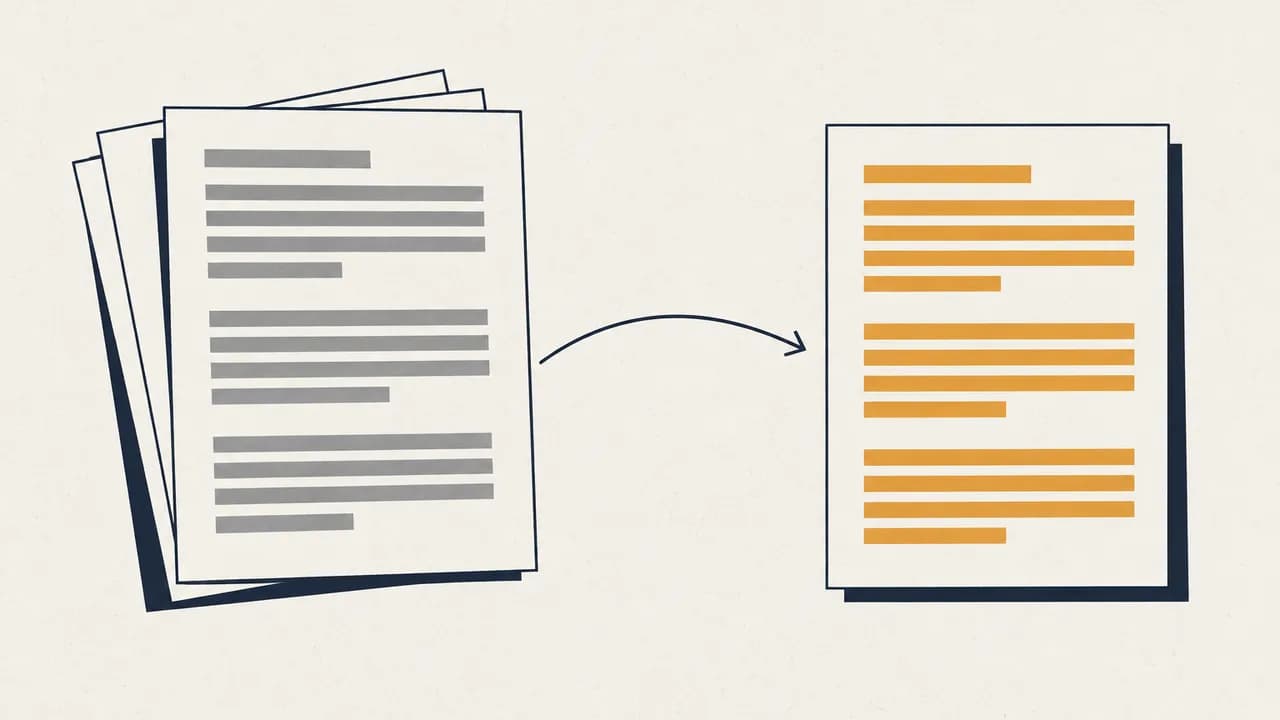
During translation, BelinDoc preserves:
- Paragraph structure
- Heading hierarchy
- Tables and lists
- Overall document logic and layout
So the translated file is not just readable—but ready to use.
How to Use BelinDoc for AI Document Translation
Even if it’s your first time using an AI document translation tool, the process takes only a few minutes.
Step 1: Upload Your Document
Go to the BelinDoc document translation page and:
- Drag and drop your file
- Or upload from your local device
- Upload multiple documents at once if needed
BelinDoc automatically detects the file format and source language.
Step 2: Select the Target Language
Choose your target language, such as:
- English → Chinese
- Japanese → Chinese
- Chinese → English / German / French
BelinDoc is optimized for long-form document translation, avoiding rigid, sentence-by-sentence output.
Step 3: AI Translates the Entire Document
Once translation starts, BelinDoc will:
- Translate using the entire document as context
- Keep terminology, tone, and style consistent
- Preserve the original structure and formatting
This is especially effective for manuals, reports, and academic papers.
Step 4: Download the Translated Document
After translation, you can download:
- The fully translated document
- A file ready for reading, presentation, or further editing
No copy-pasting. No manual reformatting.
Who Is BelinDoc AI Document Translation For?
BelinDoc is especially useful if you are:
- 🌍 International trade & cross-border professionals – contracts, product specs, attachments
- 🎓 Students & researchers – papers, reports, references
- 🏢 Enterprise teams – internal documents, technical proposals, tenders
- 📄 Content creators – research, localization, global content workflows
You don’t need to know the language—just upload the document.
BelinDoc vs General-Purpose Translation Tools
| Comparison Dimension | BelinDoc | General Translation Tools |
|---|---|---|
| Translation Unit | Full document | Short text |
| Context Awareness | ✔️ Strong | ❌ Weak |
| Formatting Preservation | ✔️ Yes | ❌ No |
| Large File Support | ✔️ Yes | Limited |
| Business Use Cases | ✔️ Optimized | ❌ Not designed |
In short: BelinDoc is not a tool for translating sentences—it’s built for translating documents.
Frequently Asked Questions About AI Document Translation
Q: How accurate is BelinDoc’s translation? For reading, analysis, and business understanding, accuracy covers most use cases. For external publishing, a quick human review is recommended.
Q: Is my document data secure? BelinDoc offers enterprise-grade security and deployment options for sensitive data scenarios.
Q: Can BelinDoc translate scanned PDFs? Image-based PDFs require OCR. Translation quality depends on the clarity of the original scan.
Final Thoughts
The real value of AI translation isn’t about sounding perfectly human. It’s about turning hours or days of work into minutes.
If you frequently work with PDF, Word, or PPT files in foreign languages, BelinDoc is a document-focused AI translation tool designed for real workflows.