How to translate an EPUB: quick answer
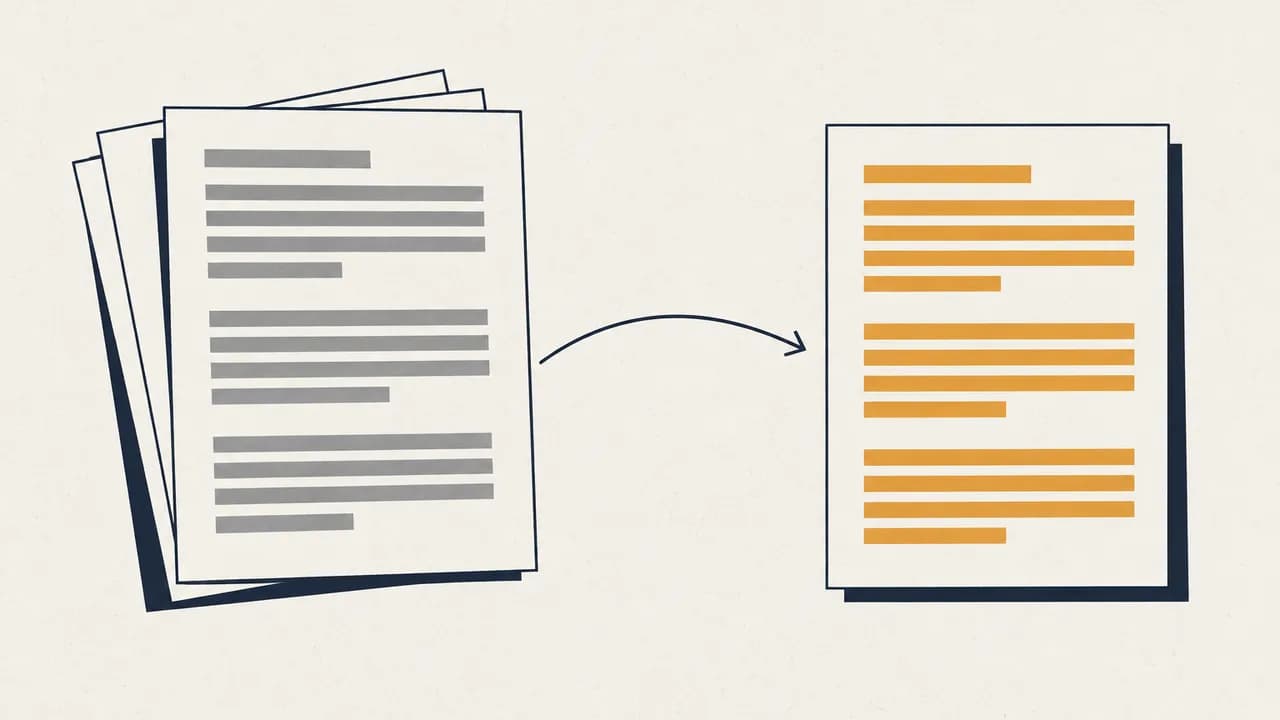
To translate an EPUB without breaking the layout, upload the file to an AI EPUB translator like Belin Doc, choose your target language (and optionally a bilingual mode), then export a translated EPUB whose formatting and table of contents stay intact.
- Upload your EPUB into the Belin Doc translation interface — no software to install.
- Set your strategy: pick the target language and check "Preserve Original Format" or "Generate Bilingual Version".
- Export: after AI processing, download the translated EPUB and open it in Kindle, Apple Books, or any reader.
What Makes EPUB Translation So Challenging?
In the digital reading era of 2026, EPUB remains the dominant eBook format. Yet for many translation tools, it's still a "tough nut to crack."
- Code Embedded in Text: EPUB is essentially a compressed package containing HTML and CSS. Traditional tools often break these tags, resulting in eBooks that won't open or have broken table of contents.
- Layout Corruption: Many online tools destroy the carefully designed image layouts and font styles after translation.
- Lack of Context Awareness: Common translation engines, without contextual understanding, can turn literary masterpieces into "instruction manuals."
To address these pain points, Belin Doc has developed a proprietary "Structure-Preserving Parser" that ensures text translation without touching any underlying code.
2026 EPUB Translation Solutions: Who's the Winner?
1. Traditional Translation Plugins (like Calibre plugins)
- Pros: Suitable for tech enthusiasts.
- Cons: Requires manual API setup, complex configuration process, extremely unfriendly for average users.
2. Browser Built-in Translation
- Pros: Free.
- Cons: Cannot handle offline EPUB files, translation quality only reaches "barely understandable" level.
3. Belin Doc AI Document Translation (Recommended)
As the leading intelligent document processing platform in 2026, Belin Doc has achieved a qualitative leap in EPUB translation:
- Dual Engine Drive: Combines GPT-4o's literary flair with DeepL's precision, automatically identifying book genres (medical textbooks or fantasy novels) and matching appropriate language databases.
- Millisecond Layout Restoration: Belin Doc's core algorithm recognizes CSS logic within EPUB, making translated files visually indistinguishable from originals.
- Bilingual Parallel Mode: Supports side-by-side or paragraph-by-paragraph comparison, perfect for language learners and professional researchers.
3 Simple Steps to Translate EPUB with Belin Doc
No need to download complex software—with Belin Doc, it takes just three steps:
- Upload File: Drag your EPUB eBook into the Belin Doc translation interface.
- Customize Strategy: Select target language and check "Preserve Original Format" or "Generate Bilingual Version" options.
- One-Click Export: After AI processing, directly download the translated EPUB file. Import it to Kindle, Apple Books, or any reader.
EPUB Translation FAQ
Is there a privacy risk with translated files?
A: Belin Doc strictly complies with the latest 2026 data protection regulations (GDPR/CCPA). All translation tasks are processed through encrypted channels, and files are automatically physically deleted after processing, ensuring your reading privacy is fully protected.
Will translating large EPUB files (over 50MB) cause errors?
A: Unlike free online tools, Belin Doc has optimized distributed processing for large files, completing high-quality translations of even thousand-page academic works within minutes.
Does it support translating DRM-protected books?
A: We recommend users ensure DRM restrictions are removed before translation. Belin Doc focuses on providing the highest quality language conversion for unprotected formats.
Conclusion: Making Global Knowledge Accessible
In 2026, language should not be a barrier to accessing knowledge. Belin Doc is committed to breaking down these barriers, using cutting-edge AI technology to perfectly present every EPUB eBook in your most familiar language.
「Click here to experience Belin Doc AI Translation now」, and start your new era of barrier-free reading!