Engineering Drawing Translation · Strict Layout and Accuracy
An industry‑tuned AI translation engine that accurately understands terminology in architecture, manufacturing, and electronics. It replaces text while preserving the original scale, lines, and layout.
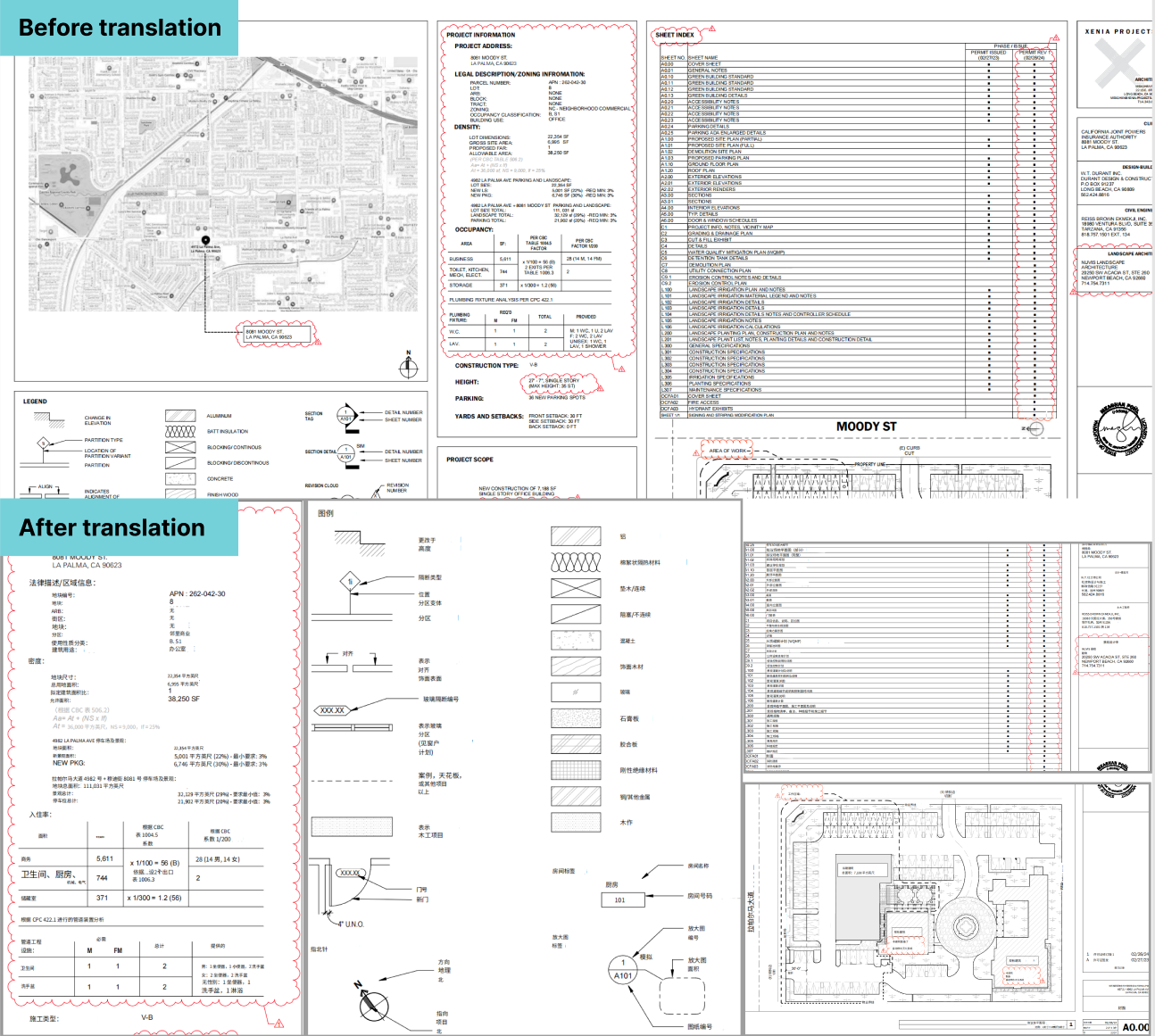
Architectural Construction Drawings
English → Chinese
Dimension annotations and leader positions in architectural plans were perfectly preserved; terminology was spot‑on, saving us from any redrawing.
Three Simple Steps to Standardized Multilingual Drawings
Upload Drawing Files
Supports high‑resolution PDF, JPG, and PNG scans or exports.
- Supports large‑format drawings
- Auto orientation detection
- Secure encrypted transfer
AI Processing
The large model identifies title blocks and annotations, translating with industry corpora.
- Terminology matching
- Rotated text recognition
- Strict layout preservation
Download/Preview
Preview side‑by‑side online, then download the translated drawing files with one click.
- Source vs translation view
- High‑quality lossless export
- Supports subsequent editing
Why Engineers Choose Belin Doc
Pixel‑Perfect Layout Preservation
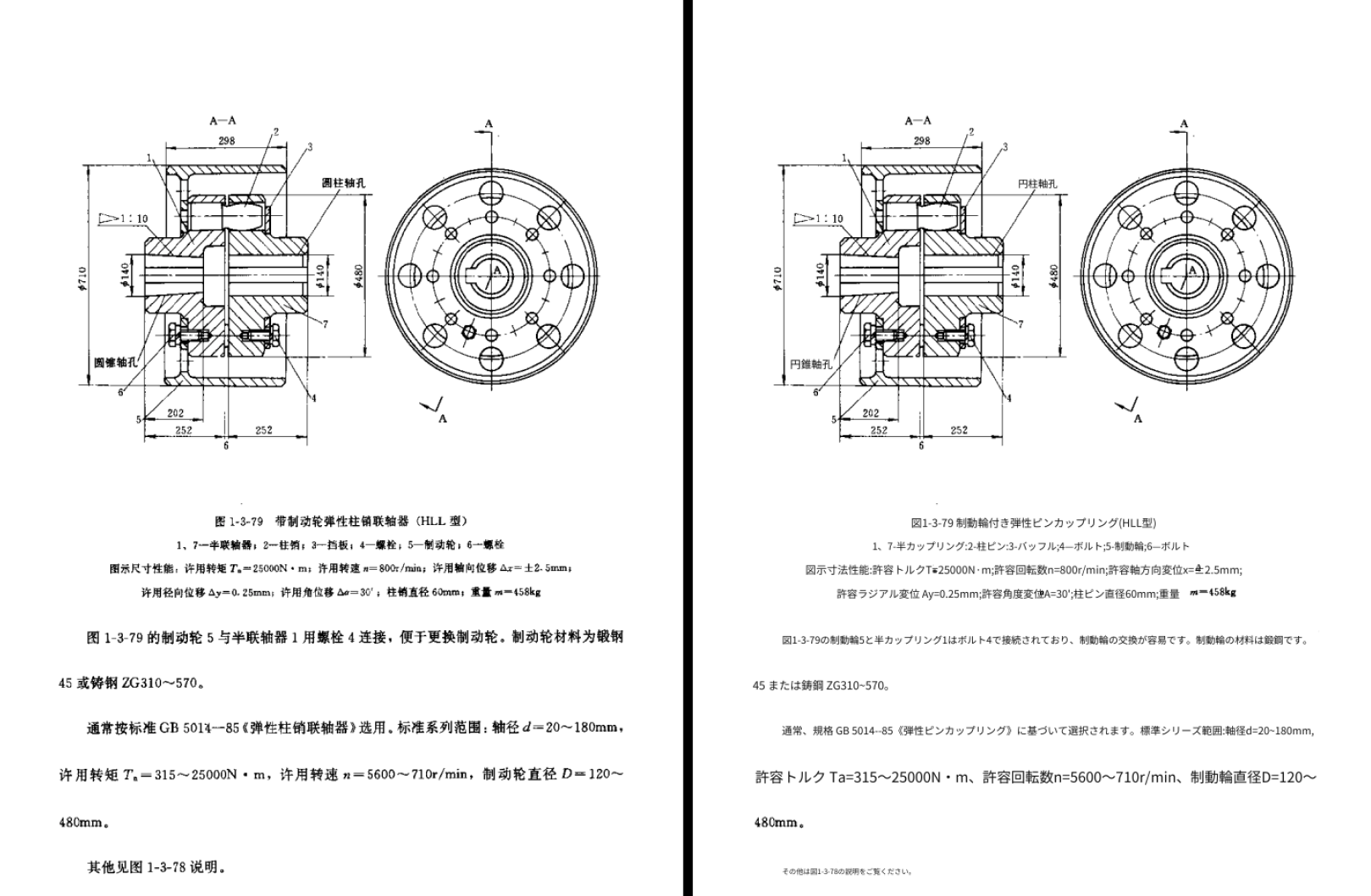
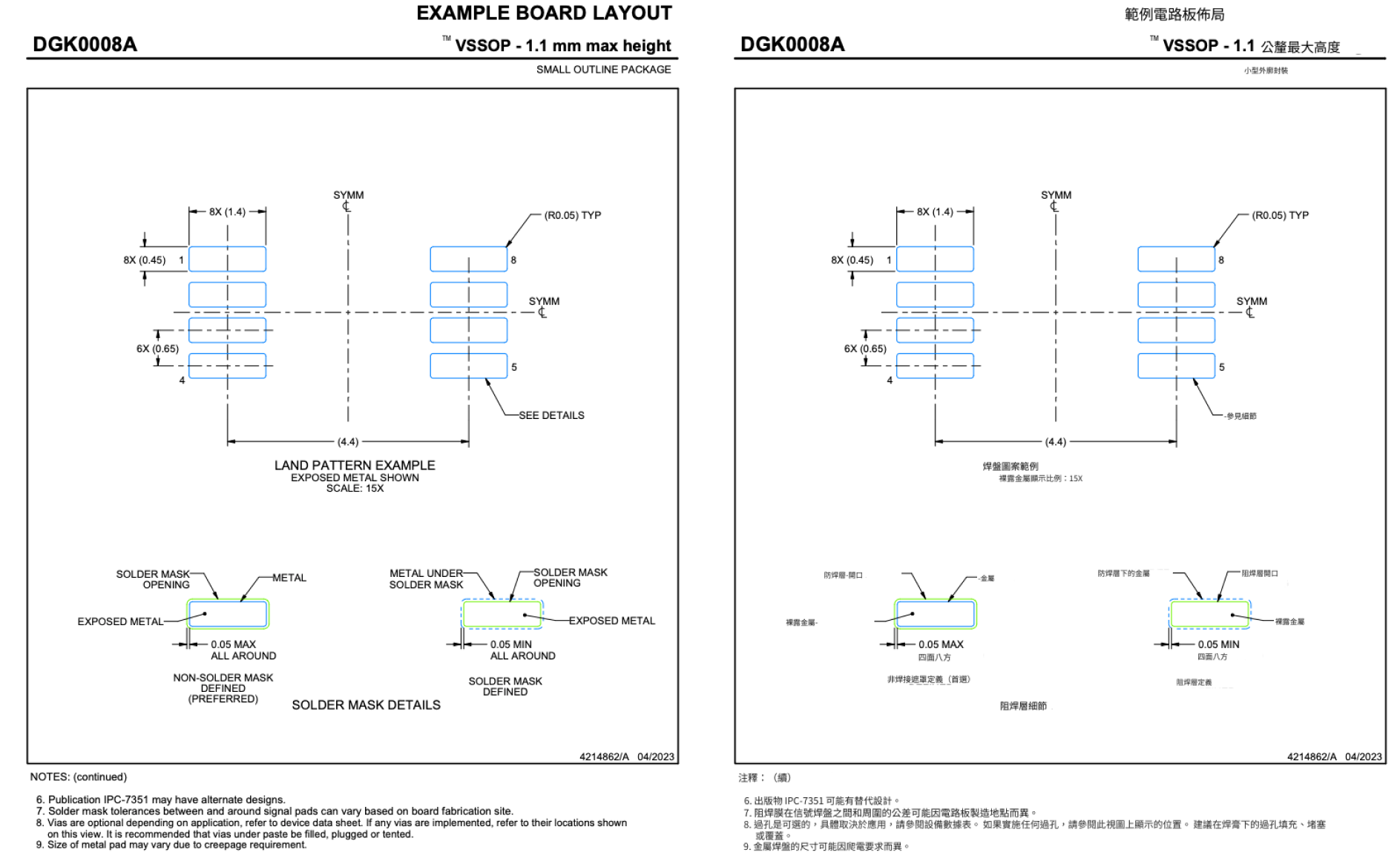
Advanced layout analysis precisely locates every text box, ensuring that lines, scales, and legend positions remain unchanged after translation.
OCR for Engineering Scenarios
Specially trained for vertical layouts, rotated text, and tiny labels typical of drawings, extracting text accurately even from blurry scans.
Industry LLM Support
Built‑in corpora for architecture, mechanical, chemical, and electronics distinguish common words from technical terms (e.g., 'Nut' → fastener, not an edible nut).
Project‑Level Batch Processing
Upload entire sets (full PDFs or multiple images) at once; parallel processing greatly shortens delivery cycles.
Online Preview and Proofing
An intuitive side‑by‑side mode lets users quickly verify key data and terminology to ensure rigorous deliverables.
Enterprise‑Grade Data Security
We understand confidentiality. End‑to‑end encrypted transfer, support for immediate deletion after translation, and no residual data.
Engineering Drawing Translation FAQ
Which formats of engineering drawings are supported?
We currently support PDF documents and common formats. Whether CAD‑exported PDFs or scanned blueprints, we can process them.
Will scales and lines get messed up after translation?
No. Belin Doc uses a “text‑layer replacement” technique: the background (lines, shapes, textures) remains untouched, while only detected text regions are cleared and rewritten, strictly preserving the original layout.
How accurate is the translation for highly specialized terminology?
We integrate state‑of‑the‑art language models fine‑tuned for engineering, accurately interpreting BOM tables, technical specifications, and legends in context.
Can you recognize large amounts of vertical or slanted text in drawings?
Yes. Our OCR engine is optimized for engineering drafting standards and can accurately recognize and translate vertical, rotated, and along‑line text.
Do you support batch translation for entire project sets?
Yes. You can upload multiple files, and the system will process them in parallel — ideal for complex projects with dozens of drawings.
Are my confidential drawings safe?
Very safe. We never retain user files for training. All files can be deleted immediately after processing, and the system automatically cleans up after tasks finish.
Boost Cross‑Language Collaboration in Engineering Projects
Experience Belin Doc now and remove drawing translation as a project bottleneck.